

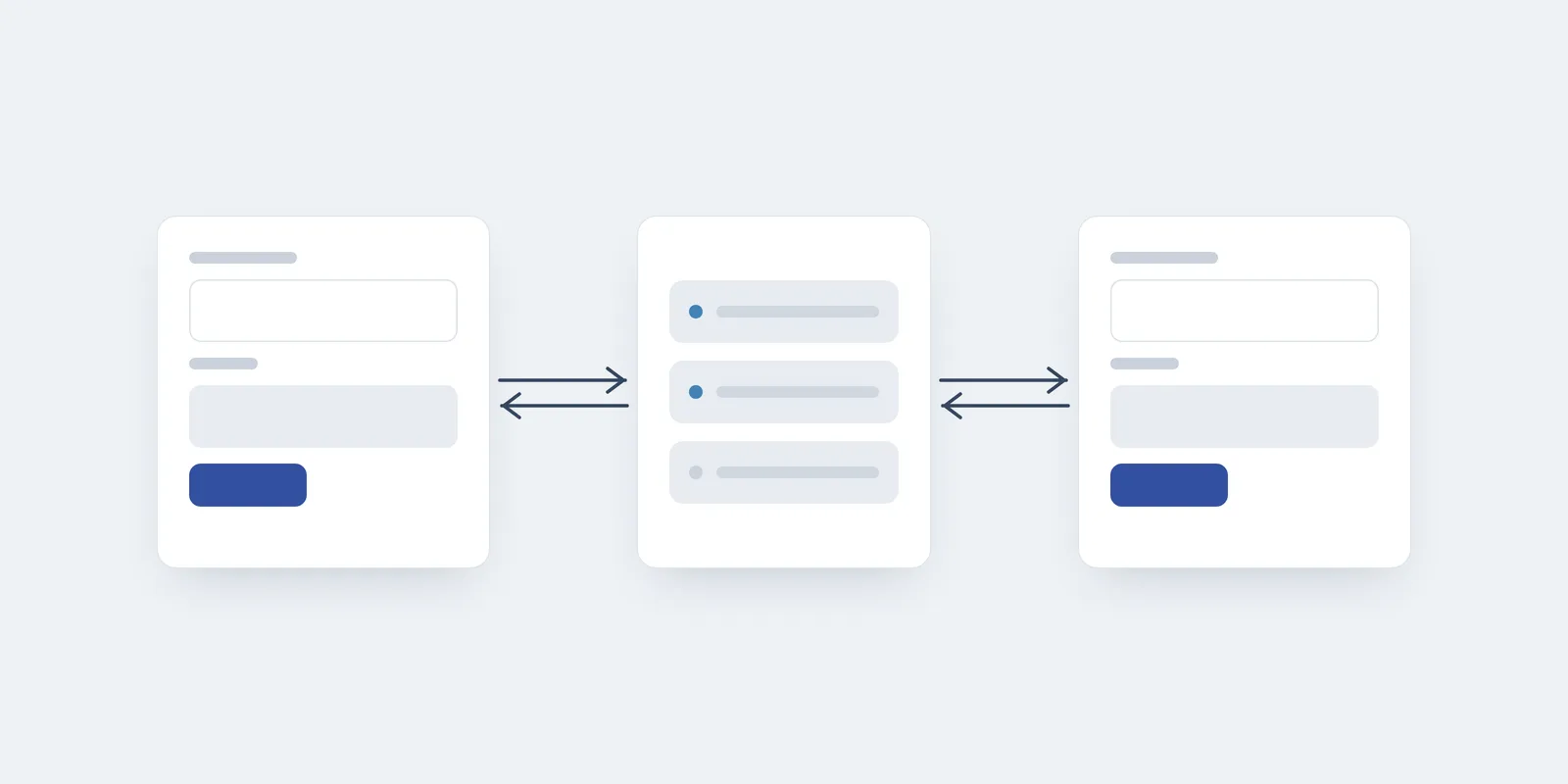
Over the last few years, remote working became widespread, thus requiring a new set of tooling to enable teams to collaborate and get work done. Although most of the communication can happen async in experienced teams, some activities are more effective when held live. Some examples are the sprint planning phase and backlog grooming, which require the team to gather around topics, make estimates, and go over the foreseeable challenges one might face when tackling a ticket. This is where real-time features come in handy.
Real-time Capabilities
In traditional applications, the server is mostly passive and responds to client requests. However, for real-time collaboration, one client would not be aware of how other clients are interacting with the server and, therefore, would not be able to stay in sync in terms of data and documents state.
As stated above, some activities will demand real-time to be performed due to their nature. But another key benefit is related to the human nature: people are built to stay connected. Implementing real-time features, even when simple, will provide this feeling of connection, and suddenly users won’t be dealing with a machine anymore, but connecting with other people! This engagement can sometimes mean the success of an application, page, etc, because visitors won’t be feeling they are alone in a virtual space.
This won’t come without its own set of challenges, though. First, data consistency becomes tricky to handle in case multiple clients are changing the same information simultaneously, like editing a live document, due to something called race condition.
A race condition happens when the server provides the same copy of a document to two separate clients, and they end up pushing two separate patches of changes to that document at once. Depending on how the server handles the patch request, the first change will be overwritten by the latter, causing data loss and inconsistencies. Preventing this might involve using transactions, or applying CRDT, for example.
Another struggle that’s pretty common is ensuring that the client-connection is kept alive, which we’ll discuss briefly below.
How to implement
Depending on your specific needs, the suggestions below might do the trick and enable real-time in your application:
Server Polling
The most straightforward approach to deal with real-time is to implement some sort of polling. It means defining a timeframe in which you expect new data to be available on the server, like five seconds, and then keep hitting the server over and over throughout the session.
/**
 * Example of a JavaScript polling mechanism in which a function
 * is called every PRESENTATION_FETCH_DELAY (ms) to update the state.
 */
function syncPresentationData(presentationId, callback) {
  if (!presentationId) return null

  const fetchPresentationData = async () => {
    const presentationData = await api.get(
      `${BASE_API}/presentations/${presentationId}`
    )

    if (presentationData) {
      callback(presentationData)
    }
  }

  return setInterval(fetchPresentationData, PRESENTATION_FETCH_DELAY)
}
This can be really useful in case the server is not prepared for real-time data sync. However, it implies the waste of resources, since several network round-trips could be performed while no data is being updated. Also, some services may throttle your connection due to rate-limiting, and depending on the volume, protections like a firewall or WAF might flag a DDoS attack by mistake and start rejecting requests.
WebSockets
The most traditional way to go about real-time, and probably the most used is WebSockets!
WebSocket is a different communication protocol, that allows for bi-directional communication between server and client, meaning that once the connection is established, the server can send messages to the client, without requiring the latter to keep polling for more data.
In practice, the usage of WebSockets pretty much resembles the observer pattern, in which you subscribe to a socket event, defining a handler function that should act on the value received. We have the built-in events that fire on connect and disconnect, and can also define custom events, which provides great flexibility and allows for rich interactions between client and server (the examples below use Socket.IO, a popular library built on top of WebSockets):
/**
 * Example of a Node.js implementation, detecting a client connection
 * and preventing a user from duplicating its socket in the pool.
 */
io.on('connection', socket => {
  socket.on('USER_JOIN', request => {
    if (UsersPool.has(request.uid)) {
      socket.emit('NOTIFICATION', { error: 'User is already connected' })
      return
    }

    UsersPool.set(request.uid, {
      ...request.user_properties,
      socket_id: socket.id,
    })
  })
})
On the client-side:
/**
 * Example of a JavaScript handler function that allows a user
 * to join a pool of connections to start being notified by the server.
 */
const handleUserJoinRequest = () => {
  const userPayload = prepareUserJoinPayload(user)

  if (userPayload) {
    api.emit('USER_JOIN', userPayload)
  } else {
    showToast(
      'failed',
      'Your data might be incomplete. Finish your profile before joining.'
    )
  }
}
One downside of WebSockets though is debugging, for instance when you need to implement it via a third-party service, which means you sometimes won’t have a clear sense about the events being fired/received. One would need more complex tooling to properly fix issues with data transferring.
Another common pitfall is having client connections dropped for background activity management, especially when it comes to mobile devices, since those often have stricter energy saving policies.
Also, we must deal with firewall policies, which sometimes can block the WebSockets from operating, quite common in corporate networks. Even when implementing through services like Firebase, from Google, you’ll sometimes face users complaining about the application not working as expected.
Server-Sent Events, or SSE
In case your application doesn’t require such intensive client-side communication, like updating a feed or pushing notifications, you’d probably be better off implementing the Server-Sent Events approach. It relies on a standard HTTP connection that stays alive for longer, allowing one-way communication from the server to the client.
// Node example of a notification system built with SSE.
http
  .createServer((request, response) => {
    if (request.url === '/notifications') {
      response.writeHead(200, {
        'Content-Type': 'text/event-stream',
        'Cache-Control': 'no-cache',
        Connection: 'keep-alive',
      })

      subscribeToNotifications(notification => {
        // SSE messages are sent as "data: <payload>" followed by a blank line.
        response.write(`data: ${JSON.stringify(notification)}\n\n`)
      })
    }
  })
  .listen(3000)
On the client-side:
// JavaScript example of a notification system built with SSE.
const notificationsStream = new EventSource(`${BASE_API}/notifications`)

notificationsStream.onmessage = event => {
  const notification = safeParseNotification(event.data)

  if (notification) {
    showToast('notification', 'You got a new reply. Click here to read it!')
  }
}
Although being more limited than WebSockets, allowing a max of 6 connections per domain over HTTP/1.1, and only text communication, it has less boilerplate and does not demand using third-party dependencies to deal with binary parsing, retries, reconnections, etc.
Also, since it relies on the EventSource API and uses standard HTTP ports, you’ll rarely encounter issues with requests being blocked by firewalls, although proxies that buffer responses may still delay the events.
Conclusion
Just like everything else in computing, we must pay close attention to the trade-offs when choosing how to approach a problem. Dealing with real-time might feel challenging at first, but the industry has come across the same issues several times, and with the proper research, you will craft a solution and avoid common mistakes that can lead to data inconsistencies and loss, and user frustration.